EN
EN
 SV
SV
 ES
ES
 FR
FR

 App Store
 Google Play
 Officiell Webbplats

Säkerhetsgranskning
Utmärkelser & Certifikat

Om appen
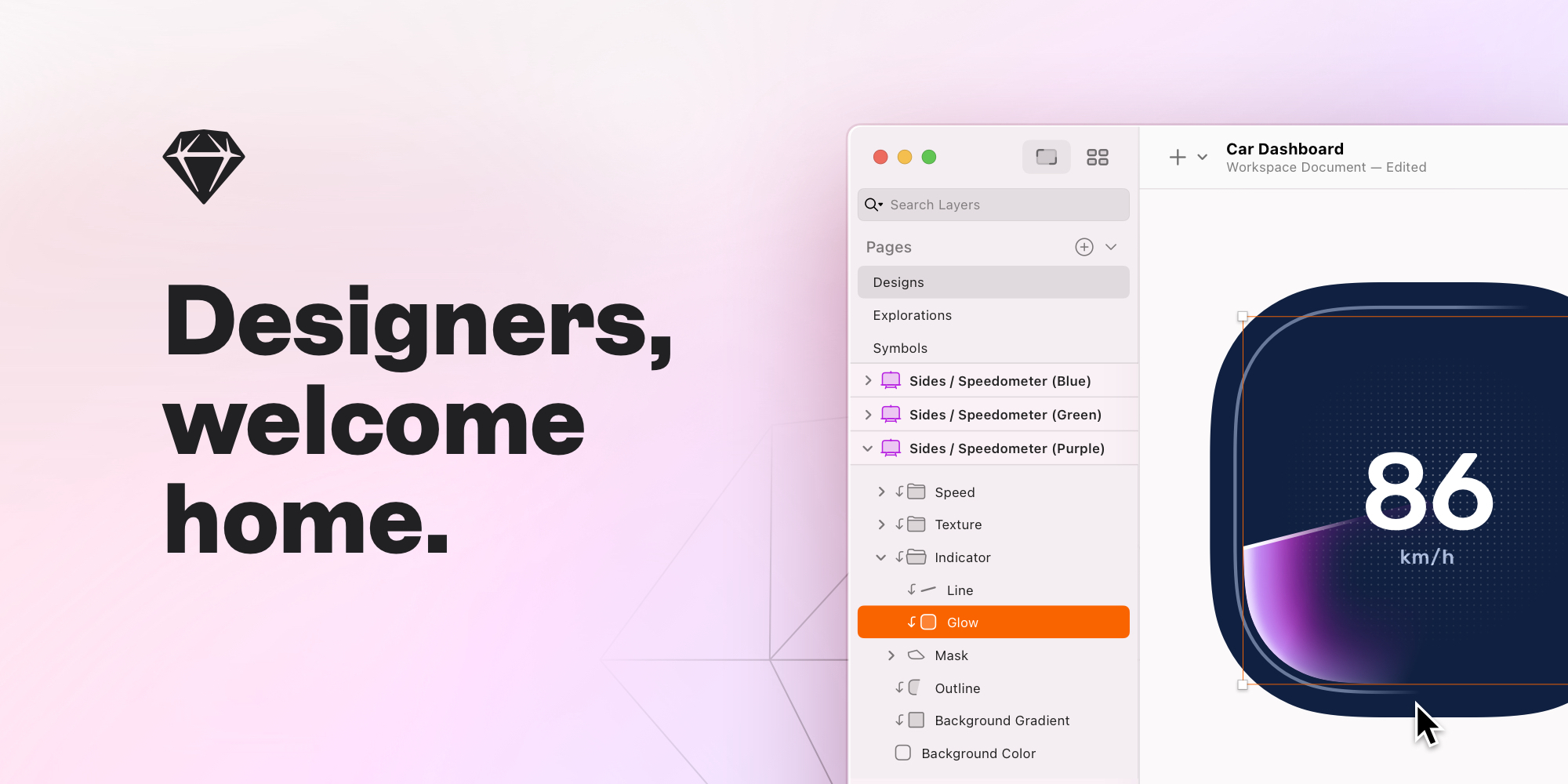
InVision is a premier, industry-standard digital product design platform specifically targeted towards older teens and young adults (Age: 16–18) interested in pursuing careers in technology, UI/UX design, or graphic arts. As a sophisticated prototyping and collaboration tool, InVision provides a dedicated, cloud-based environment where aspiring designers can learn the full spectrum of the design workflow, from initial brainstorming to final developer handoff. It is accessible globally via the Web platform, facilitating collaboration across different regions and time zones, and also offers an accompanying iOS app for mobile access. This platform's core educational value lies in its ability to transform static design images, like wireframes or high-fidelity mockups created in industry tools such as Sketch or Adobe XD, into fully interactive, clickable prototypes. For a teen learning design, this capability is invaluable. It allows them to move beyond theoretical concepts and immediately experience how a user would navigate a final mobile app or website, supporting critical thinking about user experience (UX) and user interface (UI) principles. By testing their designs on a simulated device, young creators gain an authentic, practical understanding of design flow, transitions, and real-world application, a skill set important for building a strong pre-professional portfolio. This process encourages iteration and refinement, which are core tenets of product development. A key function of InVision is its powerful suite of collaboration tools, which are essential for teaching teens modern professional teamwork and communication skills. The platform enables designers to share their work effortlessly with teammates, teachers, or parents via a simple link, ensuring all stakeholders can view and interact with the latest design iteration. This is augmented by the highly effective commenting feature, which allows feedback to be pinned directly to a specific point or element on the design screen. This contextual feedback loop is highly efficient and teaches students how to process and incorporate constructive criticism, manage revisions, and track changes using built-in version control systems. By simplifying complex feedback into clear, actionable notes, InVision helps young users develop important communication skills for a professional environment. The platform is designed to unify the design process, streamlining the collection of feedback and enhancing cross-functional collaboration. The InVision ecosystem includes several focused tools that enhance the learning experience. **InVision Studio** is the dedicated design and prototyping tool, offering features like vector drawing, responsive and adaptive layouts, and friction-free animations. This allows ambitious young designers to practice creating visually appealing and dynamic interfaces that adjust automatically for different screen sizes (smartphones, tablets, and desktops). The platform’s engine supports advanced pinning and percentage geometry, ensuring the designs are truly adaptive. The **InVision Freehand** feature acts as a digital whiteboard for collaborative brainstorming, wireframing, and diagramming. It’s an excellent way for teens to learn how to visualize initial ideas, map out user flows, and work creatively with others in real-time, regardless of physical location. The Inspect mode simplifies the important **Developer Handoff** process by letting developers view design specifications, including measurements, colors, and downloadable assets. This feature bridges the gap between design and development, giving teens valuable insight into the technical implementation of their creative work. From a parent's perspective, InVision is considered highly age-appropriate for its intended audience of older teens (16–18), reflecting its high Parent Safety Score of 95. The platform's focus is on professional-grade creative and technical skill development. As noted in the AI Safety Review, the primary safety consideration relates to the collaboration and sharing features, specifically the management of user-generated content and shared projects. While InVision is an industry tool, its function as a controlled design workspace inherently limits exposure to general web risks. However, the sharing of creative projects necessitates effective moderation to ensure all content remains appropriate for the young adult user base. While the platform is available without a subscription, the **Ads Present: YES** status means parents should be aware of commercial content. The privacy setting is marked as **Tracking: Unknown**, which suggests parents interested in granular data handling details may need to consult InVision's full policy. In summary, InVision provides an invaluable, collaborative, and professionally-relevant environment for older teens to master digital design and prototyping, equipping them with both creative and practical teamwork skills for the future. The platform is a recognized tool in the design industry, as evidenced by its BMA Award (Awards / Certifications: BMA Award). InVision should be reviewed in real family use before recommendation. Test first-session onboarding, age fit (16–18), data collection prompts, and monetization flows. Verify whether core tasks remain usable with limited connectivity, whether navigation is predictable for children, and whether adult controls are easy to find. Keep short supervised sessions and document where children need support. Re-check links and policy pages regularly because store listings and business models can change over time.

Urvalskriterier
Vår bedömning baseras på en granskning av fyra grundpelare: integritet, åldersanpassning, pedagogiskt värde och frånvaron av reklam. Vi tittar även på utmärkelser, certifieringar och andra erkännanden. Dessa faktorer avgör appens slutgiltiga säkerhetsbetyg.