EN
EN
 SV
SV
 ES
ES
 FR
FR

 App Store
 Google Play
 Site officiel

Examen de sécurité
Prix et Certifications

À propos
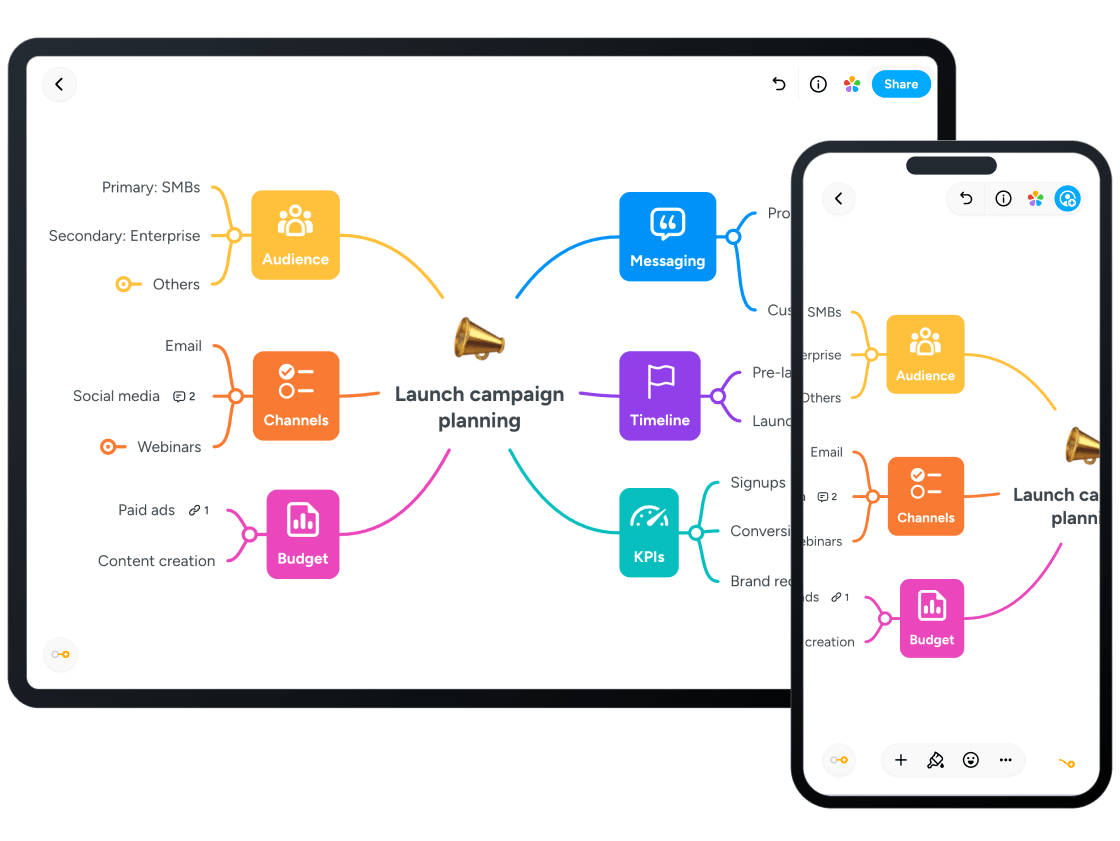
Lino is a highly effective, globally accessible, and free online sticky note and canvas service that functions as a versatile digital bulletin board for collaboration, organization, and creative learning, specifically catering to teenagers and students aged 12–18. Recognized with an Edutopia Recommendation for its utility in educational settings, Lino allows users to create personalized digital workspaces, called canvases, where they can visually organize thoughts, resources, and projects using virtual sticky notes. The platform is designed to make both individual productivity and group work seamless, offering cross-platform availability on the Web, iOS, and Android devices. This ensures students can access and contribute to their canvases from home, school, or on the go. The core functionality centers on the ability to post various types of content on an unlimited number of canvases. A 'sticky' is not limited to text; users can post images, videos (from services like YouTube or Vimeo), and even attach files, transforming the canvas into a dynamic hub for multimedia projects and resource sharing. This visual and flexible format supports diverse learning styles and is highly effective for activities like brainstorming, mind-mapping, storyboarding, and collaborative note-taking. Users can move, organize, and color-code their stickies, and even set an icon on them to help them organize their ideas. A significant feature for parents and educators is Lino’s robust organization and collaboration tools. Each canvas has three distinct privacy settings: Private (for personal use only), Friends (shared with specific registered users or groups), and Public (visible to all, with the option to allow anyone to post a sticky). For group projects or classroom activities, teachers can create collaborative canvases where multiple users can work simultaneously. A key advantage for classroom use is that Lino can be configured to Allow Guests to Post Stickies, meaning students do not need to register for an account or have a login to contribute to a shared board. Lino also integrates essential productivity features. Users can set due dates on their stickies, and the service will send a timely email reminder on the morning of the deadline, a valuable tool for high school students managing multiple assignments. Stickies with due dates can also be viewed within external calendars like Google Calendar or Outlook, promoting strong organizational skills. From a parent-focused, safety-conscious perspective, Lino offers a low inherent content risk, as its primary function is an organizational tool. However, because it relies on user-generated content, especially when collaborative features are enabled, parents and supervising adults should be aware of the need for content moderation. When a canvas is open for public posting or guest contributions, it is recommended that students sign their first names to their stickies to maintain accountability and that expectations for appropriate Digital Citizenship be clearly established. While Lino itself is a free service, it does contain third-party ads (Ads Present: YES). The privacy policy states the platform collects non-linked data like Location and Search History for third-party advertising (Privacy: Tracking: Unknown), which is a important detail for parental oversight. Despite this, its educational utility and high user-friendliness, with a community rating of 3 Stars, make it a valuable, non-violent tool for creative communication and teamwork in the 12–18 age group. Its reputation is further solidified by its recommendation from Edutopia and its broad range of applications across all school subjects, from English composition and maths to science timelines and social studies discussions. Lino helps students collect, collaborate, define, explain, and understand complex topics in a visually engaging way, and allows for the easy embedding of canvases into external sites like blogs or course management systems, facilitating portfolio development and ongoing reflection. Lino should be reviewed in real family use before recommendation. Test first-session onboarding, age fit (12–18), data collection prompts, and monetization flows. Verify whether core tasks remain usable with limited connectivity, whether navigation is predictable for children, and whether adult controls are easy to find. Keep short supervised sessions and document where children need support. Re-check links and policy pages regularly because store listings and business models can change over time.

Critères
Notre évaluation repose sur vie privée, adéquation à l'âge et valeur pédagogique.