EN
EN
 SV
SV
 ES
ES
 FR
FR

 App Store
 Google Play
 Sitio oficial

Revisión de seguridad
Premios y Certificaciones

Sobre la app
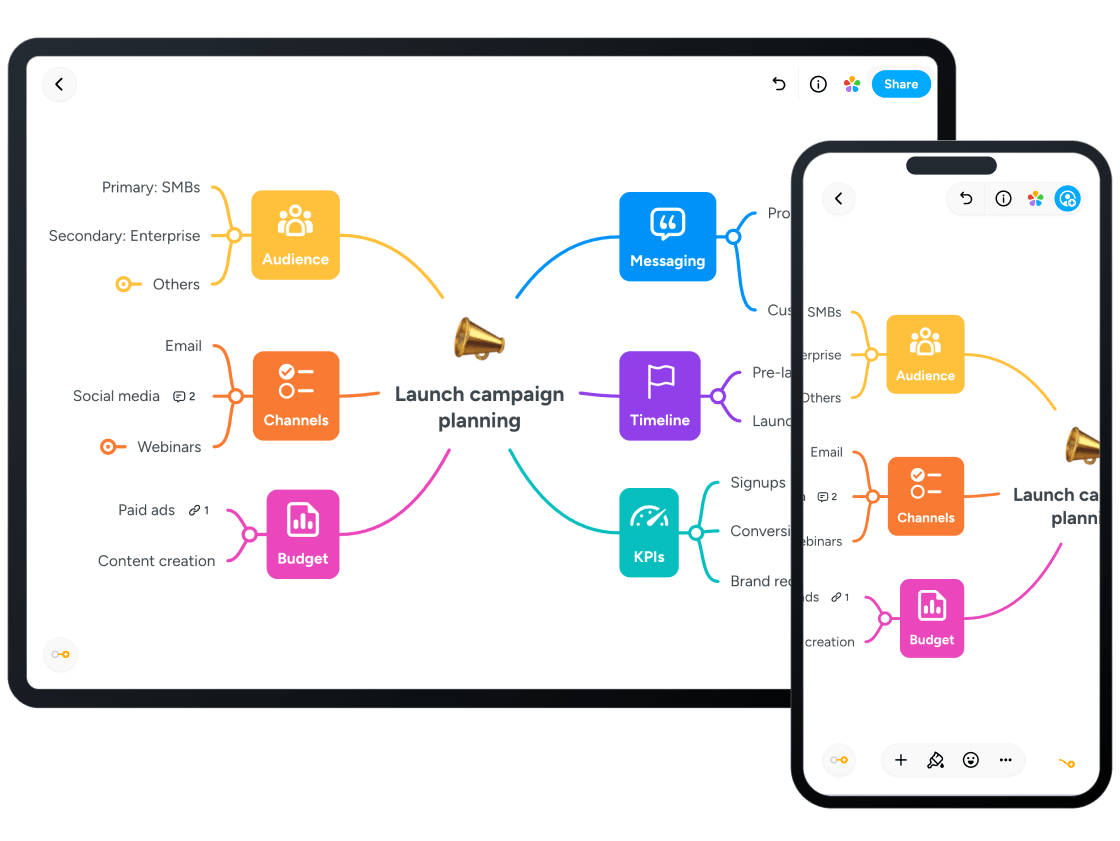
Explain Everything is a dynamic, award-winning, interactive digital whiteboard and versatile content creation tool designed for students aged 10 to 18, making it an ideal platform for middle and high school educational use. The product is highly valued for its educational focus, enabling both teachers and students to clarify complex concepts, create rich video tutorials, and engage in real-time collaborative projects. The platform is trusted for its safety, supported by a high Parent Safety Score of 94, ensuring the environment is generally age-appropriate. Available globally across iOS, Android, and Web platforms, Explain Everything transforms devices into an infinite digital canvas for drawing, writing, and visual learning. At its core, Explain Everything operates on an 'infinite canvas,' providing unlimited space for creative thought and organization. Users can easily import and annotate various media types, including pre-existing presentations, PDFs, images, videos, and live web browsers, using a wide range of tools like the Pen, Highlighter, Sticky Notes, and Text Boxes. It supports advanced input, such as the Apple Pencil and other stylus tools, for precise drawing, sketchnoting, and visualizing concepts. The app allows users to enrich materials with Clipart, Shapes, 3D Models, and Equations, effectively turning the canvas into a mixed-media playground for both student expression and teacher-led instruction. The platform excels as a powerful collaboration tool, allowing real-time interaction where multiple users (up to 8 participants) can work together simultaneously on the same board, which is an essential feature for group assignments and supporting teamwork. This functionality is supported by the Explain Everything Drive cloud for easy storage, allowing users to access and work on projects from any device, anywhere, both in real-time (synchronous) and asynchronously. Finished projects, including collaborative work, can be instantly shared via Web Video Links or exported as videos, PDFs, or editable project files. It is highly integrated with popular learning management systems (LMS) like Google Classroom, Canvas, Moodle, and Schoology, making it seamless for educators to distribute assignments and for students to submit their creative work. It also supports broadcasting the canvas through popular conferencing tools like Zoom or Microsoft Teams for remote and hybrid learning environments. A major strength is its capability to create engaging, shareable content. Both students and teachers can record the entire process of a lesson or explanation, capturing their voice, drawings, and annotations to create professional-quality whiteboard videos and tutorials. This feature is particularly powerful for supporting the 'flipped classroom' model, where students can watch instructional videos at home and use valuable in-class time for discussion, application, and problem-solving activities that require higher-order thinking. Videos can be automatically shared with preferred cloud drives. For educators, the Explain Everything Advanced plan includes a suite of Promethean Engagement Apps designed to increase student participation, such as Polling, Timer, and Spinner. The platform also offers time-saving features like numerous educational templates (Daily Planner, Lesson Plan, Math Axis, etc.) and AI-powered generation of rich learning activities, including Crossword, Memory, and Matching games, allowing teachers to focus more on direct student engagement. The platform received the Apple App Store's Best of 2020 award in the App Trends Category for Leading the Classroom, a testament to its value during the shift to remote learning. While the app is generally safe, does not contain ads (Ads Present: NO), and is used for focused academic work, the AI Safety Review notes that parents should be aware of the potential for unmoderated user-generated content and interactions inherent in any creation and sharing platform. A subscription is required (Subscription Required: YES) to access the full 'Advanced' feature set. Explain Everything should be reviewed in real family use before recommendation. Test first-session onboarding, age fit (10–18), data collection prompts, and monetization flows. Verify whether core tasks remain usable with limited connectivity, whether navigation is predictable for children, and whether adult controls are easy to find. Keep short supervised sessions and document where children need support. Re-check links and policy pages regularly because store listings and business models can change over time.

Criterios de Selección
Nuestra evaluación se basa en una revisión de cuatro pilares centrales: privacidad, adecuación a la edad, valor educativo y ausencia de publicidad. También consideramos premios y certificaciones.